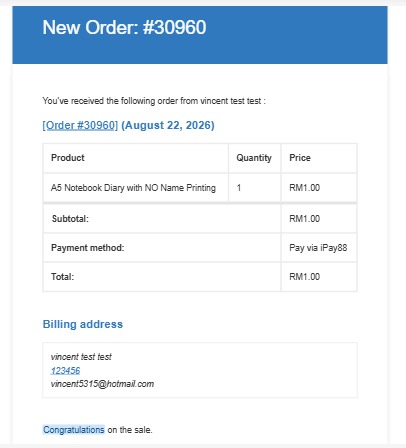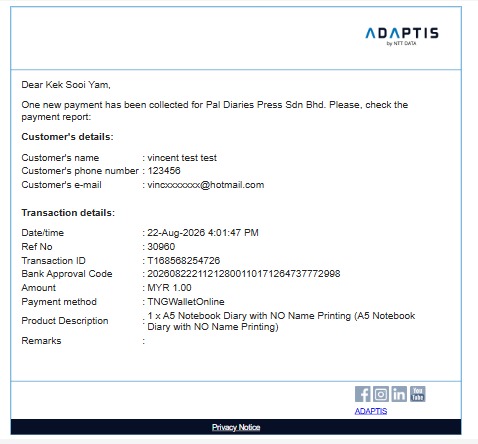
STEP 1
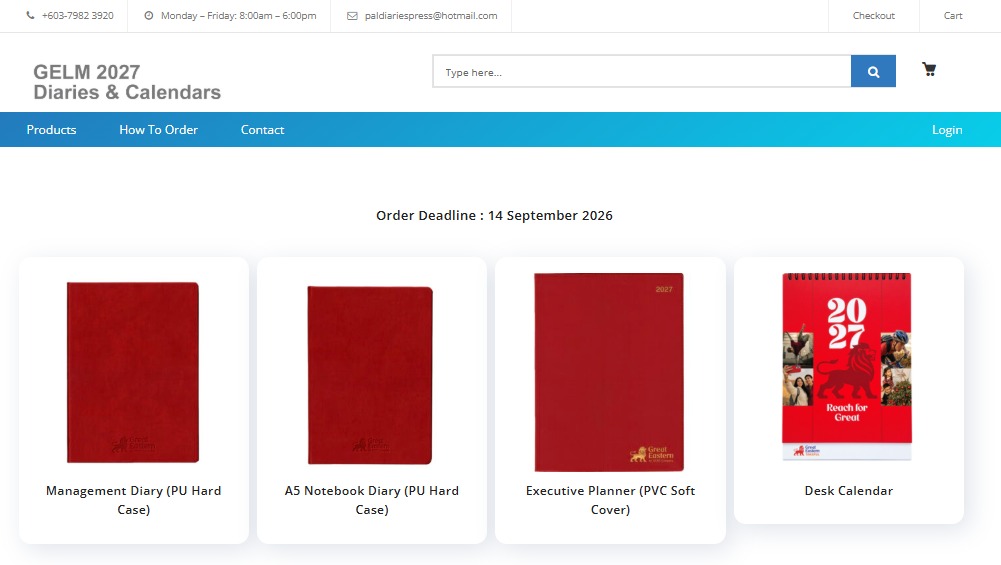
Order Requisition:
In this page, you can choose the product you would like to order. Click on it.
STEP 2
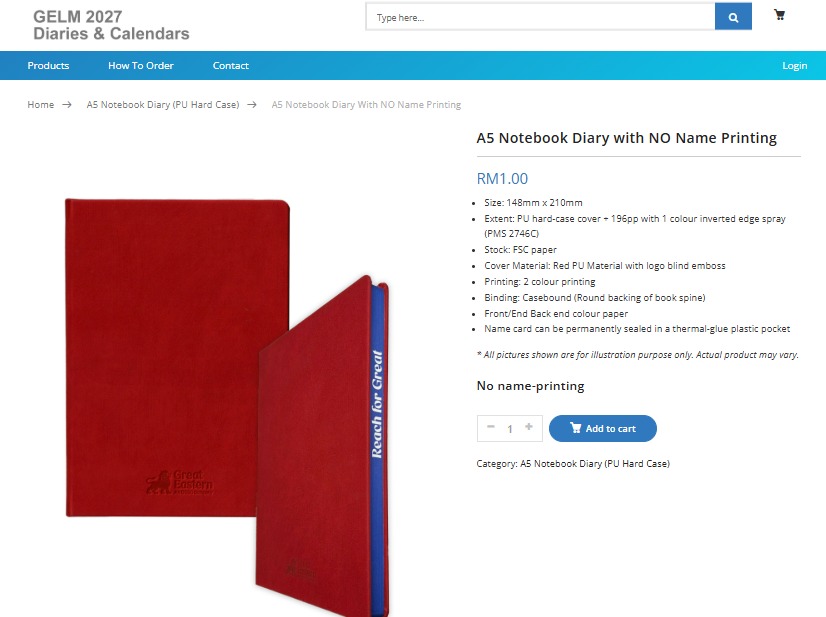
Product Details :
In this page, please confirm the quantity of the item and click ‘Add To Cart’ button.
STEP 3
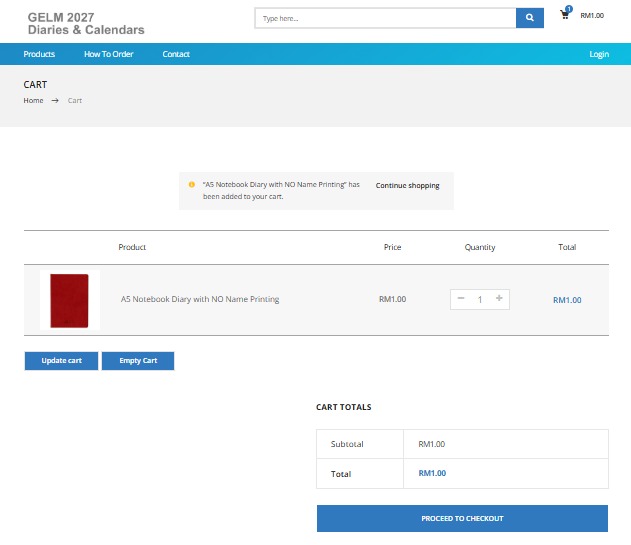
Shopping Cart :
In this page, please confirm the quantity of the item and click ‘Proceed to Checkout’ button to confirm your order. If you wish to order other product items, please click ‘Continue Shopping’ button.
STEP 4
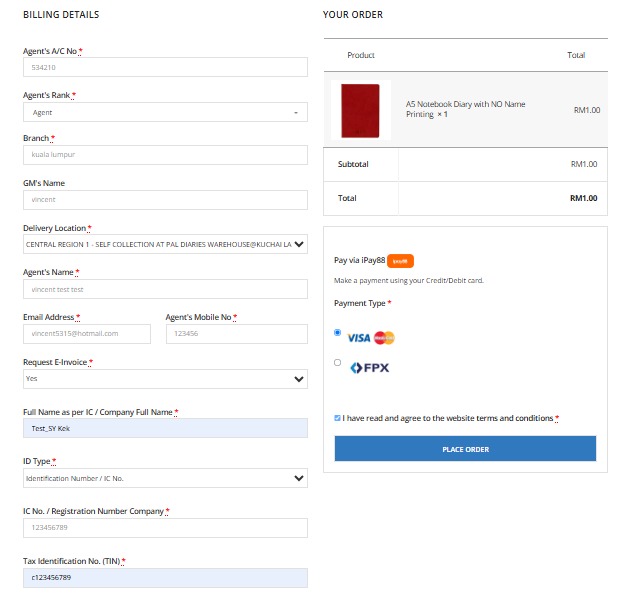
Checkout :
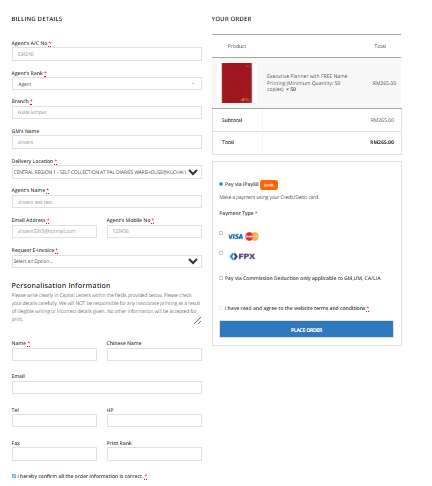
In the checkout page, please fill in your ‘Billing Information’ and ‘Payment Method’ information for the products you wish to purchase.
FYI, commission deduction payment method only applied to agent with rank GM, UM, CA/LIA and total amount order is RM200.00 and above.
Also, you can request e-invoice by fill-in your details at Section ‘Request E-invoice’. If you not interested, you may choose ‘No’ as we also will give invoice upon delivery or self-collection.
Click ‘Place Order’ if all your information has been filled in correctly and submit your order.
At the personalisation, the 3 lines will appear on the product as per follow:
Line 1: Name
Line 2:Tel & HP
Line 3: Fax & email
STEP 5
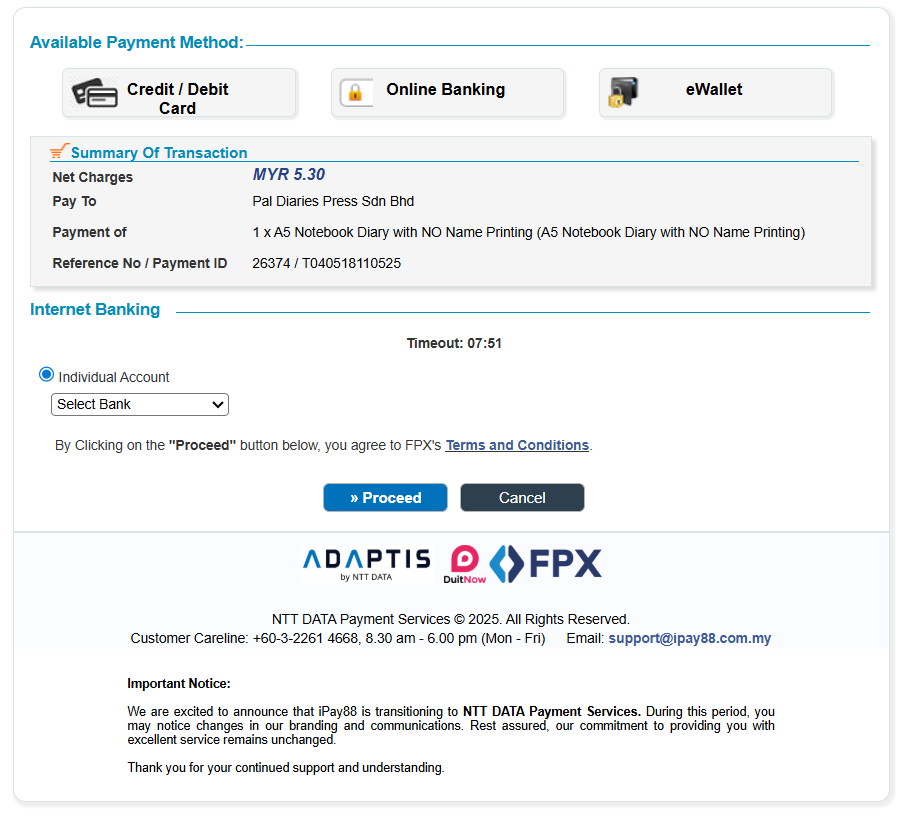
Secured Payment Page :
STEP 6
Email Confirmation :
If your payment is successful, you will receive an email confirmation.